
If your YouTube likes disappear or the number changes between screens, start by checking what each screen is measuring. A changing count is not enough evidence to diagnose a penalty, identify a particular viewer or conclude that a service order failed. This guide gives you a repeatable way to document the difference and decide what to check next.
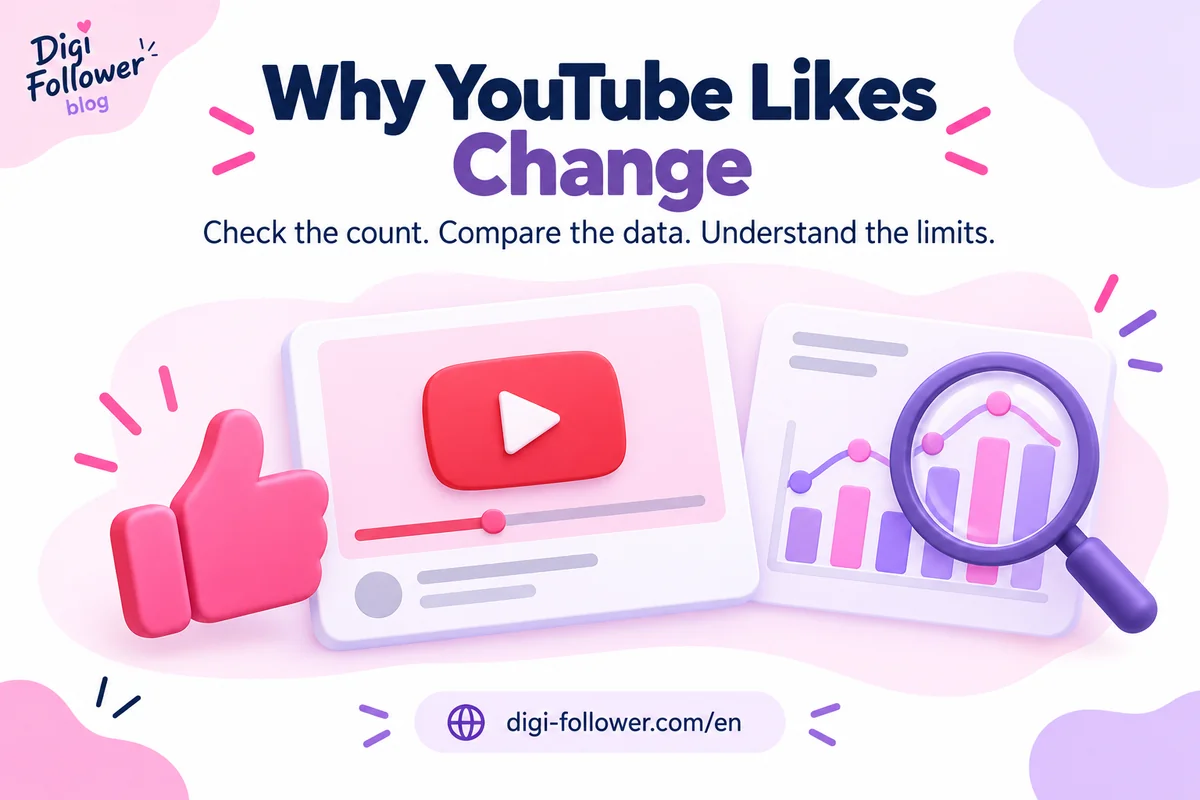
Why YouTube likes can change
YouTube says it checks engagement for legitimacy and may slow, freeze or adjust counts during verification. Metrics can also take time to appear soon after publication. See its explanation of how engagement metrics are counted.
The platform also states that likes and dislikes identified as invalid can be removed periodically. Its engagement documentation describes differences between Analytics and the watch page and currently advises referring to the watch-page count for that discrepancy. These explanations describe possible causes; they do not tell you which cause applies to an individual video.
Check the same video and measurement
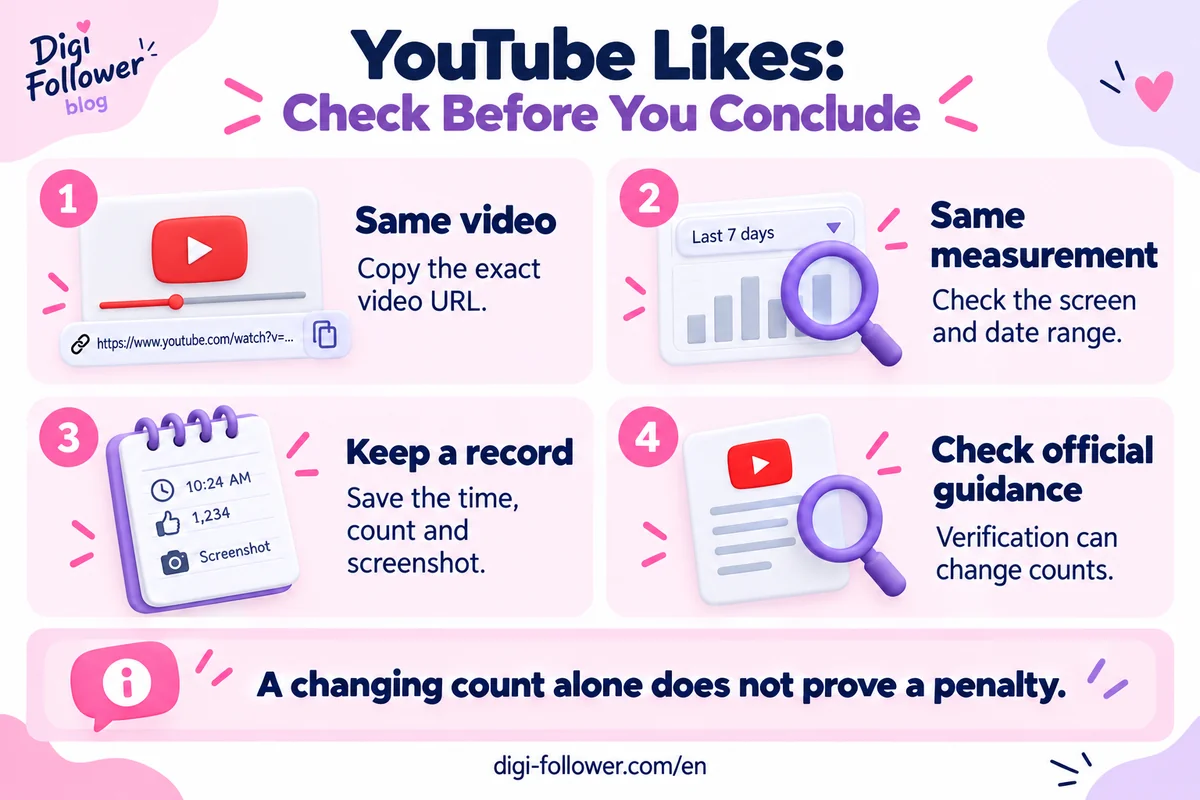
- Copy the exact video URL. Avoid comparing a Short, a re-upload and the original as though they were one item.
- Record where the number appears. Note whether it is the public watch page, a Studio report or another tool.
- Record the time and date range. A selected reporting period and a lifetime total answer different questions.
- Take a second observation later. Keep the first observation rather than replacing it. Do not promise yourself a fixed resolution time.
- Document any actual error message. A screenshot and the video link are more useful for troubleshooting than a guessed diagnosis.
Use a simple observation log
Create columns for observation time, video URL, screen, date range and visible count. For example, if one screen shows 120 likes and another shows 118, write both values and their context. The difference is two; its cause is still unconfirmed. Those hypothetical numbers illustrate the method, not a normal discrepancy threshold.
Keep screenshots limited to the information needed. Remove email addresses, payment details and other private information before sharing them. Do not give another person your channel password or recovery codes to investigate a count.
Find the relevant report in YouTube Studio
For an individual video on desktop, open YouTube Studio → Content → select the video’s Analytics → Engagement. The Likes (vs. dislikes) report and other engagement information provide context. Check the selected period before comparing it with a public number. Interface labels can change; the official engagement guide linked above documents the current route.
A like count and a like percentage are different measurements. Likewise, likes divided by views is not the same as likes divided by likes plus dislikes. Always write the formula next to a percentage so that a colleague can reproduce it.
Do not diagnose reach from likes alone
YouTube’s performance FAQ describes several signals used in discovery, including viewer choices, relevance and satisfaction. A higher like count alone does not guarantee recommendations or search placement.
For your next content review, ask a practical question: does the video fulfil the promise in its title and opening? Note where viewers need a clearer example, then test one editorial change in a future video. Keep that content experiment separate from the count-discrepancy investigation so you know which question each observation answers.
If the question concerns a service order
Record the order ID, purchased service, destination and stated terms separately from your YouTube observation log. Read our order status guide before interpreting a delivery label. A panel’s completed status and YouTube’s displayed count describe different systems.
Review the YouTube likes trial details for current service requirements, without treating a trial or a refill as a platform guarantee. YouTube prohibits artificial engagement; service terms do not override that policy. Do not repeatedly submit orders as a way to diagnose a changing count.
If the missing interaction is a comment rather than a like, use our YouTube comments troubleshooting guide to check comment settings and moderation separately.
Frequently asked questions
Does a drop prove that YouTube penalized my channel?
No. A count change alone does not establish a penalty. Check actual notices and documented measurements before drawing that conclusion.
Will every missing like return?
There is no basis for that promise. Verification, removals and discrepancies cannot be resolved from the public count alone.
Should I delete and re-upload the video?
Do not use deletion as the first response to a numerical discrepancy. First preserve the link and evidence, check the reports and use YouTube’s help route if the issue persists.