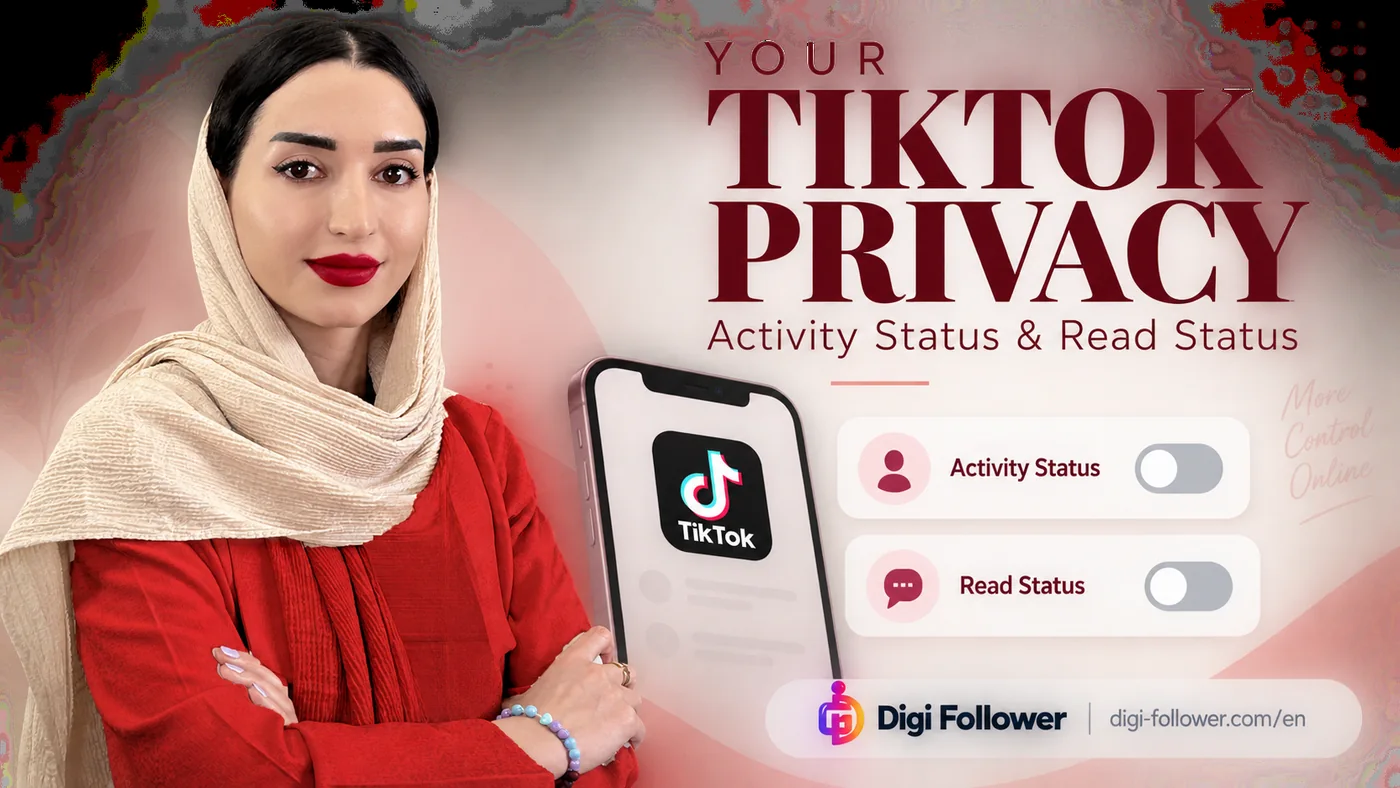

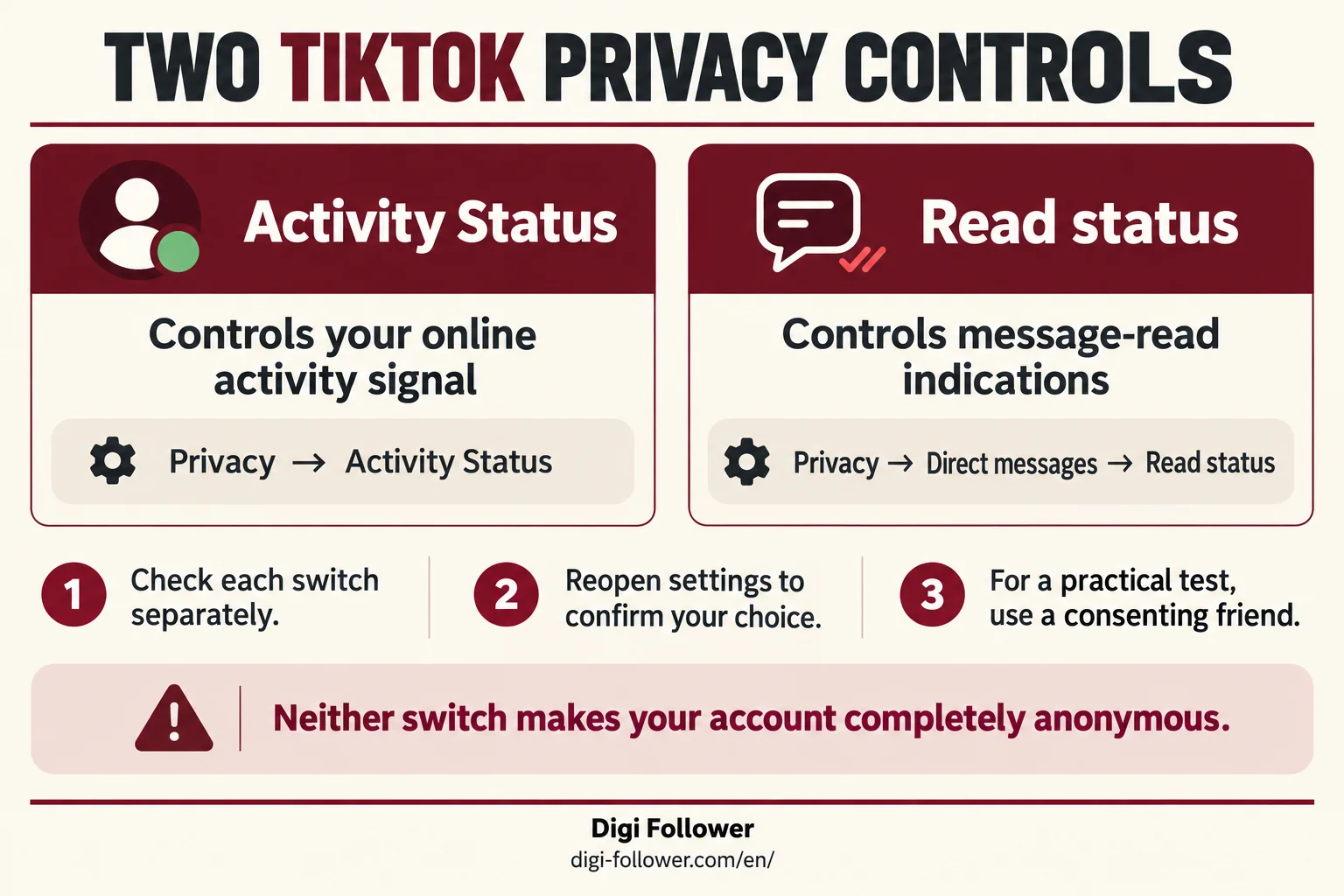
Decide what you want to hide before changing a setting: your online presence or whether you opened a message. Those are separate questions. Checking them individually avoids assuming that one privacy switch controls every visible action.
Activity Status: online presence
Open Profile → Menu → Settings and privacy → Privacy, then switch Activity Status off. TikTok describes the feature as available to people aged 18 or older. Visibility requires mutual following and both people enabling it. Turning it off also stops you seeing the other person’s activity through this feature. A green dot can linger after someone becomes inactive, so it is not precise evidence that they are using the app at that instant. TikTok: Activity Status.
Read Status: opened messages
Under Privacy, open Direct messages and look for Read status. Switch it off if that is your preference. TikTok says a person can know you read their message through this feature only when both participants have read status enabled. TikTok: Manage direct messages.
| Question | Control to review |
|---|---|
| Can mutual followers see my activity signal? | Activity Status |
| Can a sender receive a read indication? | Read status in Direct messages |
| Who is allowed to contact me? | Message permissions; review separately |
Verify your choice without overinterpreting it
Reopen the relevant settings and check the switches. If you want an additional practical check, ask a consenting friend to help with a harmless test message. Agree what you are testing first, record the settings on both sides, and avoid changing multiple controls between observations. Do not use another person’s account without permission.
A missing indicator is not evidence that somebody is avoiding you. Several conditions affect whether a feature displays a signal. Likewise, hiding an indicator is not a reason to describe an account as completely anonymous. Public actions and private-message controls deserve separate review.
For a shared business account
Write a short internal note stating which switches the team chose and who can change them. Set a realistic response expectation for customers, such as a stated support window, rather than relying on a presence dot to communicate availability. This is our workflow recommendation, not a platform requirement.
For example, a small shop may want staff to answer enquiries during business hours without customers interpreting a status indicator as an immediate service promise. The team should document the preference, test it with consent, and use its ordinary support process for urgent enquiries.
If a menu is missing
Record your app version and the label you can see before seeking help. Describe the missing control precisely: Activity Status or Read status. Avoid sending private conversation screenshots when a cropped settings screen would explain the problem. The official help links above are the reference for the current feature rules.
Frequently asked questions
Does turning off Activity Status also turn off read receipts?
No. Review Activity Status and Read status separately. The read setting is under Privacy → Direct messages.
Can I still see someone else’s Activity Status after turning mine off?
TikTok makes this feature reciprocal: mutual followers must both enable it. Turning yours off also stops you seeing the other person’s activity through this feature.
Does a green dot prove someone is online right now?
No. The indicator can linger after someone becomes inactive. Do not use it as precise evidence of real-time availability.
Why is there no read indication on my message?
Both participants must enable Read status for this feature to show that a message was read. A missing signal alone does not tell you why someone has not replied.
How can I check that my privacy choice was saved?
Reopen each settings screen and confirm its switch. If you need a practical check, agree on a harmless test with a consenting friend and record the settings on both sides.
Will these switches make my business account anonymous?
No. They concern activity and read indicators, not every public action or who can contact you. Review message permissions separately and state a clear customer-support response window.