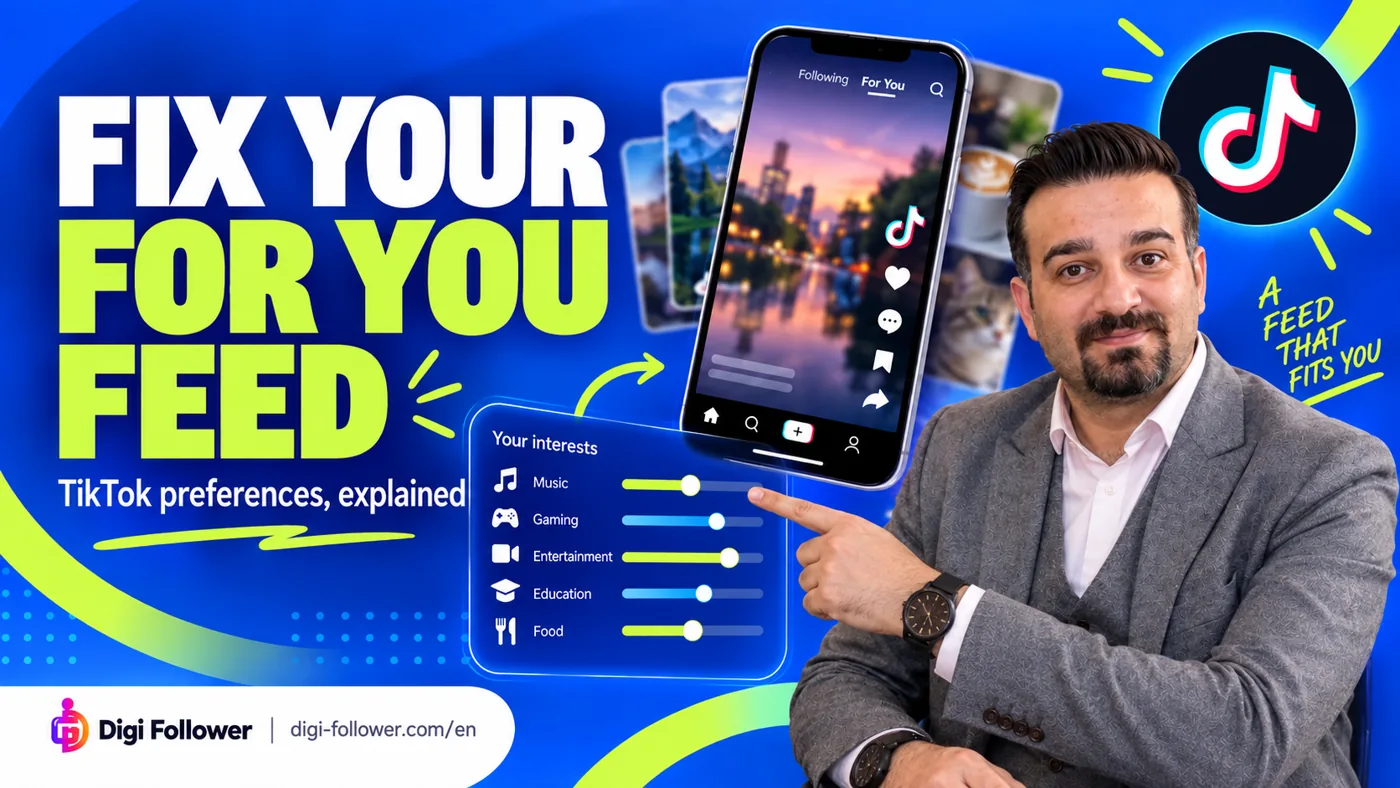

A feed full of unwanted videos is a viewing problem. Before changing settings, describe what you want to see less of: one recurring subject, a specific word, or almost everything. That distinction helps you choose a smaller, more useful adjustment.
Match the control to the problem
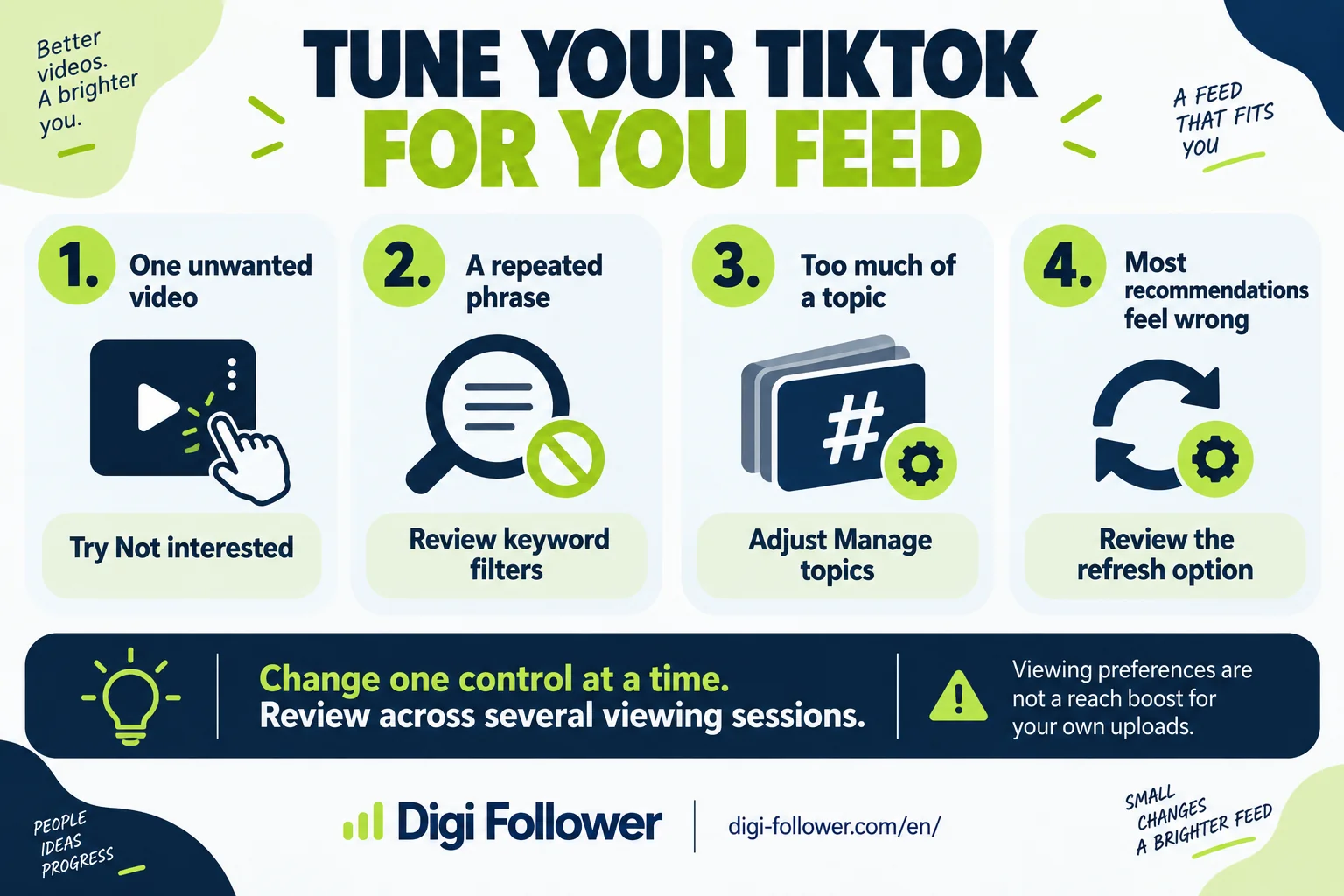
TikTok offers several controls: Not interested asks for fewer similar posts; keyword filters target words and hashtags; Manage topics adjusts topic preferences; refreshing helps reshape recommendations. To inspect a recommendation, open its Share menu and select Why this post. The explanation may mention similar content you interacted with, recency or popularity in your country. TikTok: For You.
| Your problem | First experiment | What to record |
|---|---|---|
| A recurring subject | Review topic preferences | The topic and your chosen direction |
| A repeated phrase | Consider a keyword filter | Whether the phrase also appears in content you want |
| A single unwanted recommendation | Use Not interested | Whether similar recommendations become less frequent |
| The whole feed feels irrelevant | Review the refresh option | Your starting preferences and subsequent experience |
Adjust topics deliberately
In the app, go to Profile → Menu → Settings and privacy → Content preferences → Manage topics. Move the available sliders and save. TikTok says this affects For You, not your Following feed, profile or inbox, and changes can take time. TikTok: Manage topics.
Try a written target: “I want more cooking tutorials and fewer celebrity discussions.” This is easier to evaluate than “fix the algorithm.” If an option is missing, record the app version and the controls you actually see. Do not treat a screenshot from a different account as proof that yours is broken.
A simple review routine
Keep a short log across several ordinary viewing sessions. Note the unwanted subject, the control you used and whether the experience improved. Change one category of setting at a time so you can tell which adjustment helped. This is an editorial testing suggestion, not a TikTok-prescribed timetable or a promise about how quickly recommendations change.
For example, a football fan might enjoy match analysis but dislike transfer rumours. A broad football preference may be too blunt for that goal. Start by describing the narrower problem and consider whether a phrase-based filter would also hide useful analysis. Avoid turning every preference down simply because one video was disappointing.
Keep viewer preferences separate from creator performance
This guide helps you organise your viewing experience. It does not establish a way to increase distribution of your own uploads. If your concern is your video performance, define that as a separate investigation instead of judging it by what appears in your personal feed.
Frequently asked questions
Should I refresh my entire feed because of one unwanted video?
Start with Not interested for a single recommendation. Review topic preferences or keyword filters if the same problem repeats; reserve a broader refresh review for a feed that feels generally irrelevant.
Why am I still seeing a topic after moving its slider?
Topic changes can take time. Review several normal viewing sessions instead of judging the result from one video, and change one category of setting at a time.
Will Manage topics change my Following feed?
No. TikTok describes this control as affecting the For You feed, rather than Following, your profile or inbox.
Could a keyword filter hide videos I actually want?
A word can appear in several contexts. Before filtering it, consider whether it also appears in useful videos; use a narrower phrase when that better matches your problem.
Can changing my For You feed increase views on my own videos?
These controls manage what you watch. They do not establish a method for boosting distribution of your uploads; investigate creator performance separately.
What should I do if a setting is missing?
Record your app version and the menu labels available in your account, then check the official help linked in this guide. A different account’s screenshot is not proof that your account is broken.