
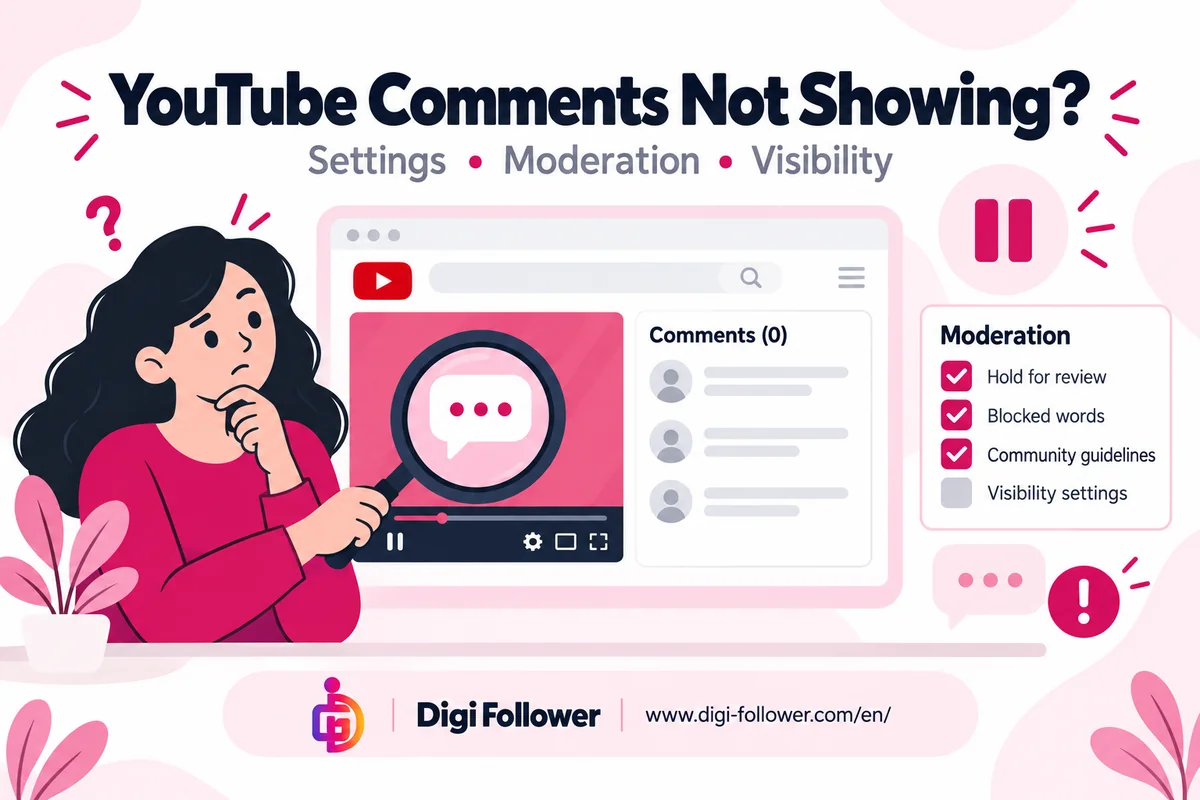

A missing YouTube comment does not tell you why it disappeared. First separate three situations: you cannot see any comments, new comments are unavailable, or one particular comment is missing. The checks below help channel owners and viewers narrow down the problem without repeatedly posting the same message.
Start with the exact video and symptom
Copy the video URL and note what you actually see. Is there a message saying comments are disabled? Are older comments visible while new ones cannot be added? Does the comment area fail to load? Record the time and whether you are using the app or a browser. This simple record makes a later support report much more useful than saying that comments are broken.
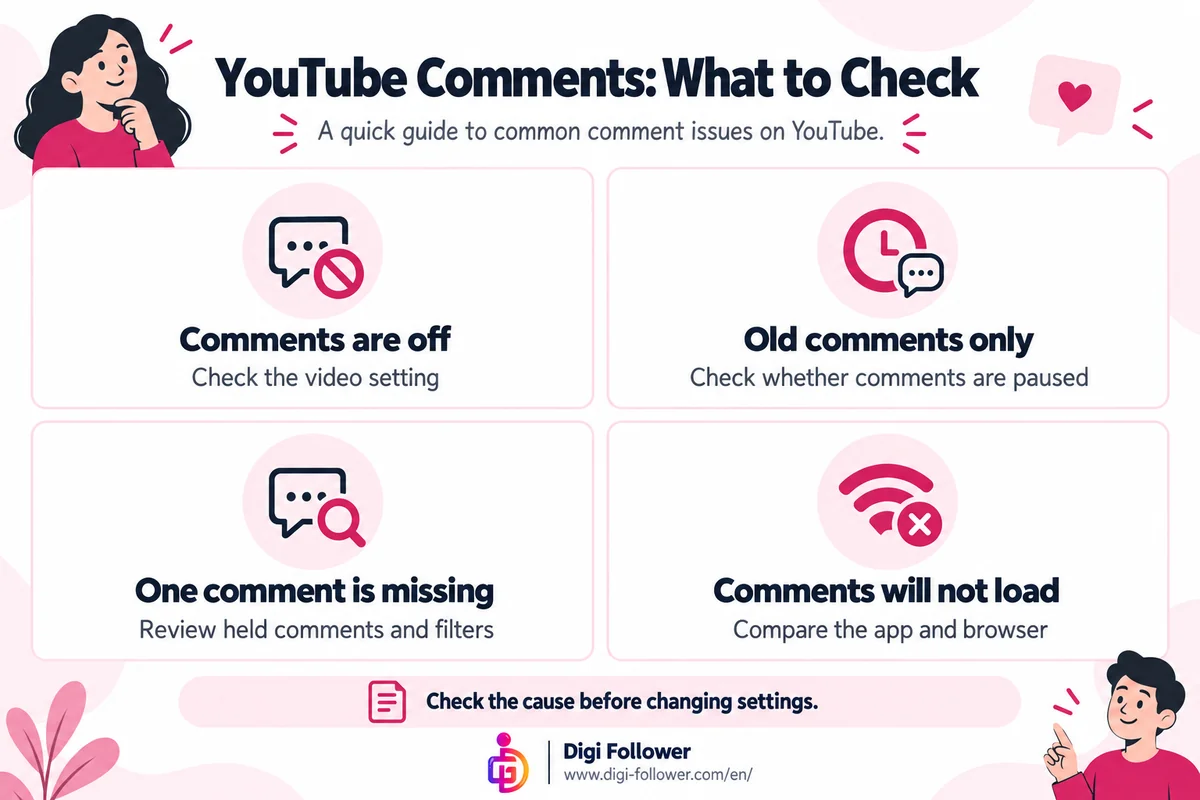
| What you observe | First check | Who can act |
|---|---|---|
| Comments are turned off | The video’s comment setting | Channel owner |
| Older comments remain, but new ones cannot be added | Whether comments are paused | Channel owner |
| One submitted comment is missing | Held comments and moderation rules | Channel owner or moderator |
| The whole comment area will not load | Compare the same URL in the app and browser | Viewer |
For creators: check the individual video
YouTube distinguishes comments that are on, paused, or off. Pausing preserves existing comments while stopping new submissions. When comments are on, moderation can hold selected comments or all comments. A change to upload defaults does not update existing videos, so check the affected video itself.
Also review blocked words, link filtering and hidden users. Hidden users’ comments do not appear in Studio. These controls are different from a viewer having trouble loading the page. See YouTube’s explanation of comment settings for the available options.
Review held comments before changing filters
In YouTube Studio, open Comments and check the Held tab. YouTube keeps held comments for up to 60 days. Review individual entries and approve only those you want on your channel. YouTube says repeated posting can be detected as spam; submitting the same comment again and again is therefore a poor troubleshooting method. Read YouTube’s spam moderation guidance.
For viewers: make a controlled comparison
If the comment area will not load, compare the same video in an updated app and a browser. Keep the video URL constant and note any difference. This is a diagnostic check, not a promise that changing browsers will recover a comment. If only one creator’s video is affected, contact that creator through an appropriate public support channel rather than sending repeated messages.
Prepare a useful report
Include the exact video URL, approximate time, visible error message and steps already tried. Do not include account passwords or verification codes. Distinguish an unavailable comment section from one missing message. If you are investigating changing likes instead, our guide to changing YouTube like counts covers that separate issue.
Does a missing comment prove a channel penalty?
No such conclusion follows from that observation alone. Establish the video setting, moderation state and exact symptom before making a claim about the channel.
Should I turn every filter off?
A better first step is to review the specific held comment and the setting involved. Broad changes make it harder to identify what caused the problem and may create more moderation work.