
If people cannot comment on your TikTok video, or their comments disappear from view, check the permission and moderation settings before assuming the post is broken. This guide separates who may comment, whether comments are enabled on an individual post, and which comments are held for review. It also offers practical ways to invite useful responses without filling a thread with repetitive messages.
Check who is allowed to comment
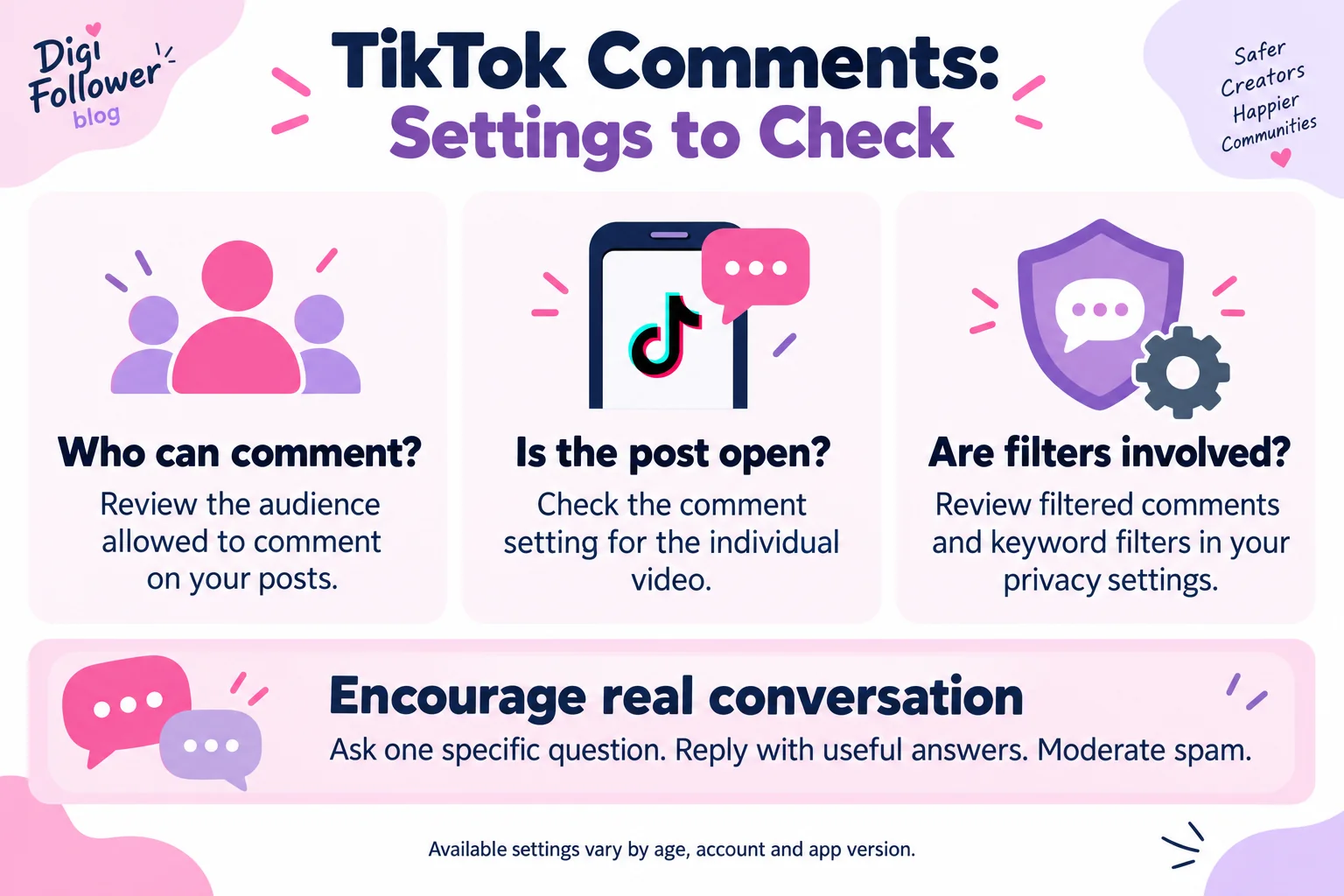
Open Profile → Menu ☰ → Settings and privacy → Privacy → Comments. Under the audience control, review who can comment. Everyone is an option for public accounts; Followers applies to private accounts; Friends means followers you follow back. Age-related restrictions can affect the choices shown.
Check the individual video’s setting
A post can have its own comment switch. Open the video, select More options … → Privacy settings → Allow comments; you may need to swipe to find the privacy option. Before publishing, the posting screen’s More options also includes the comment control.
Check filters before assuming a comment vanished
In Privacy → Comments, review the filters offered to your account. Filter all comments holds submissions for approval and is not available to everyone. Other controls cover unwanted comments, selected keywords, and Creator Care Mode. Use Review filtered comments to approve or delete held items. These instructions follow TikTok’s official comment settings guide; labels and availability may differ.
A troubleshooting sequence you can actually follow
- Identify the exact post. Copy its link and note whether the problem concerns all comments, one person’s comment, or only this video.
- Review the audience rule. Check whether the person trying to respond belongs to the permitted group. A public-looking video does not by itself establish that everyone may comment.
- Check the post switch. Confirm that Allow comments is enabled if you want a discussion on that video.
- Review held comments. Read the moderation queue and inspect the keyword list. A broad keyword can also affect an innocent question containing that word.
- Document the result. Note the setting changed and whether the problem persists. Keep a screenshot of any error message, with personal details removed.
If you ask someone to help test, use a normal, relevant question and ask for their consent. Do not ask for their password or try to access their account. When the settings do not explain the problem, use TikTok’s in-app reporting route with the post link and the actual error text. Avoid submitting an unsupported diagnosis such as “shadowban” as if it were a confirmed finding.
Invite comments that help the next viewer
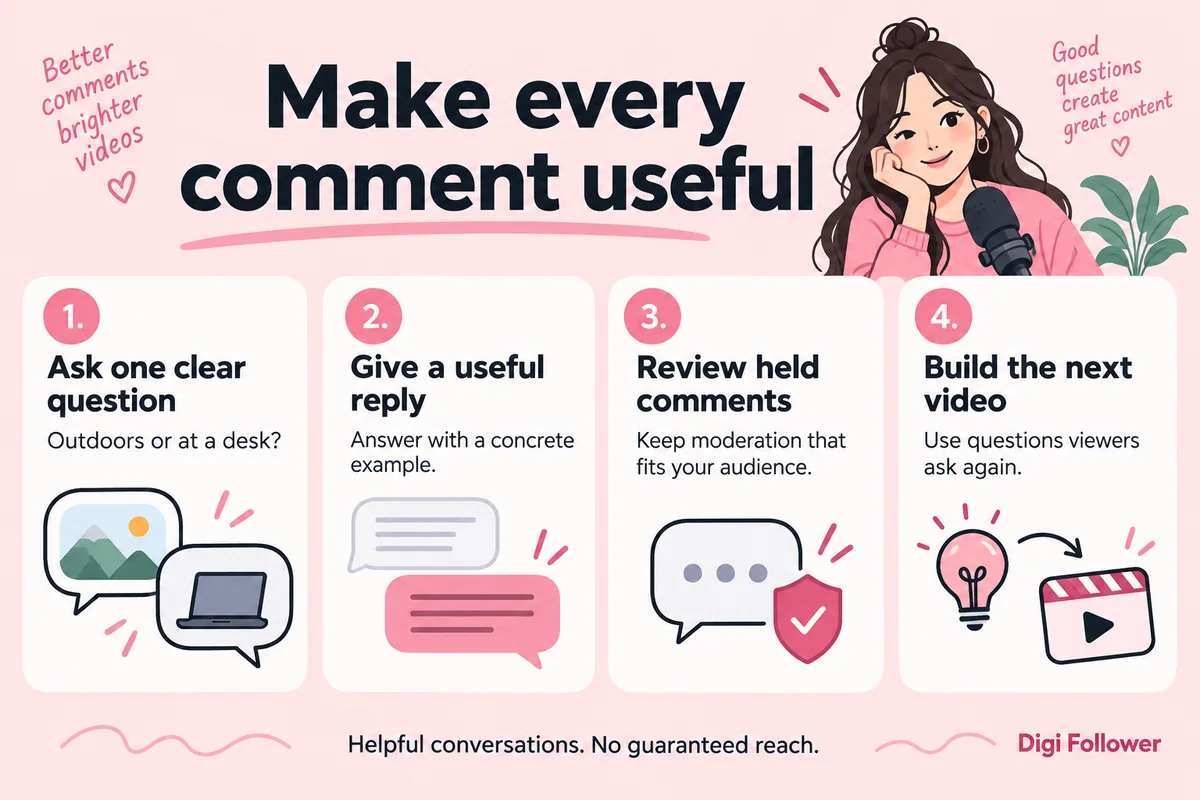
A useful question is narrow enough to answer. For a phone photography tutorial, “Which step made your image too dark?” gives viewers a clearer reason to respond than “Thoughts?” For a recipe, ask which ingredient substitution they need help with. The goal is a conversation relevant to the video.
- Answer the first question completely. Include a concrete example instead of posting the same promotional reply to everyone.
- Collect repeated confusion. Turn it into a follow-up video that shows the missing step.
- Allow reasonable disagreement. Distinguish a different opinion from abuse, personal information, or spam.
- Keep promises modest. Do not imply that leaving a comment guarantees a prize, service result, or recommendation boost.
For example, a creator reviewing microphones could ask, “Are you recording outdoors or at a desk?” Responses reveal the context needed for better advice. They also provide a natural next topic: a comparison recorded in those two environments. This is an editorial workflow, not a guaranteed engagement technique.
Use Comment Insights as a starting point
Where available, TikTok’s Comment Insights uses AI to summarize discussion themes, questions, and other patterns. It can help identify ideas for future content and comments worth answering. The feature is for people aged 18 or older and is not available everywhere. Read the underlying comments before relying on a summary, especially for sarcasm or a disputed claim. See TikTok’s Comment Insights documentation.
If your question concerns a comment service order
Review the current requirements on the TikTok comments trial page before submitting a link. A service listing does not override TikTok’s audience and moderation controls. Do not treat supplied comments as independent customer testimonials or evidence of customer satisfaction.
For an order already placed, keep the order ID, destination link, and requested details together. Consult the order status guide to distinguish a delivery status from a visibility or settings issue inside TikTok.
Frequently asked questions
Why can some people comment while others cannot?
Check the permitted audience and the relationship between the accounts. Also review any age-related restrictions or messages TikTok shows. Different users may not have the same access.
Should I disable every filter to get more comments?
No. Keep protections that suit your audience and review held comments. Change a setting because you understand its effect, rather than removing moderation just to increase a count.
Does a missing comment always mean the creator deleted it?
No. A visibility issue can have more than one explanation. Check the available settings and moderation queue before attributing the disappearance to a particular action.
Do more comments guarantee more views?
No guarantee follows from the count alone. Concentrate on questions that belong under the video and replies that help real viewers, rather than repetitive messages designed only to raise a number.